The linux terminal built for
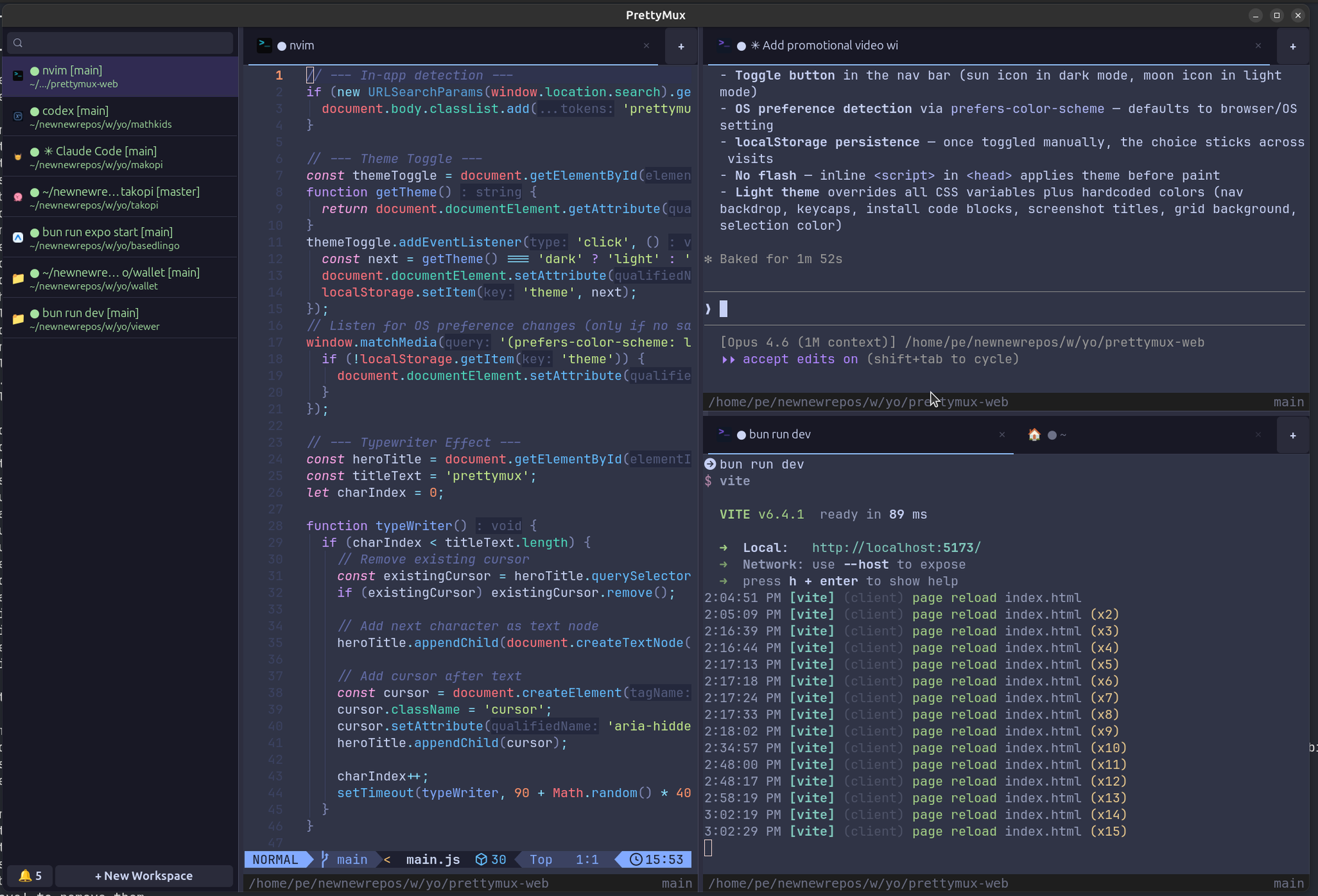
Native Linux GTK4 app built on Ghostty with vertical tabs, split panes, and agent notification rings. Streamline your workflow using lightning-fast quick search, command navigation, and seamless browser integration. Fully extensible and automatable via a powerful socket API designed for advanced developer control.
$ sudo add-apt-repository ppa:patcito/prettymux
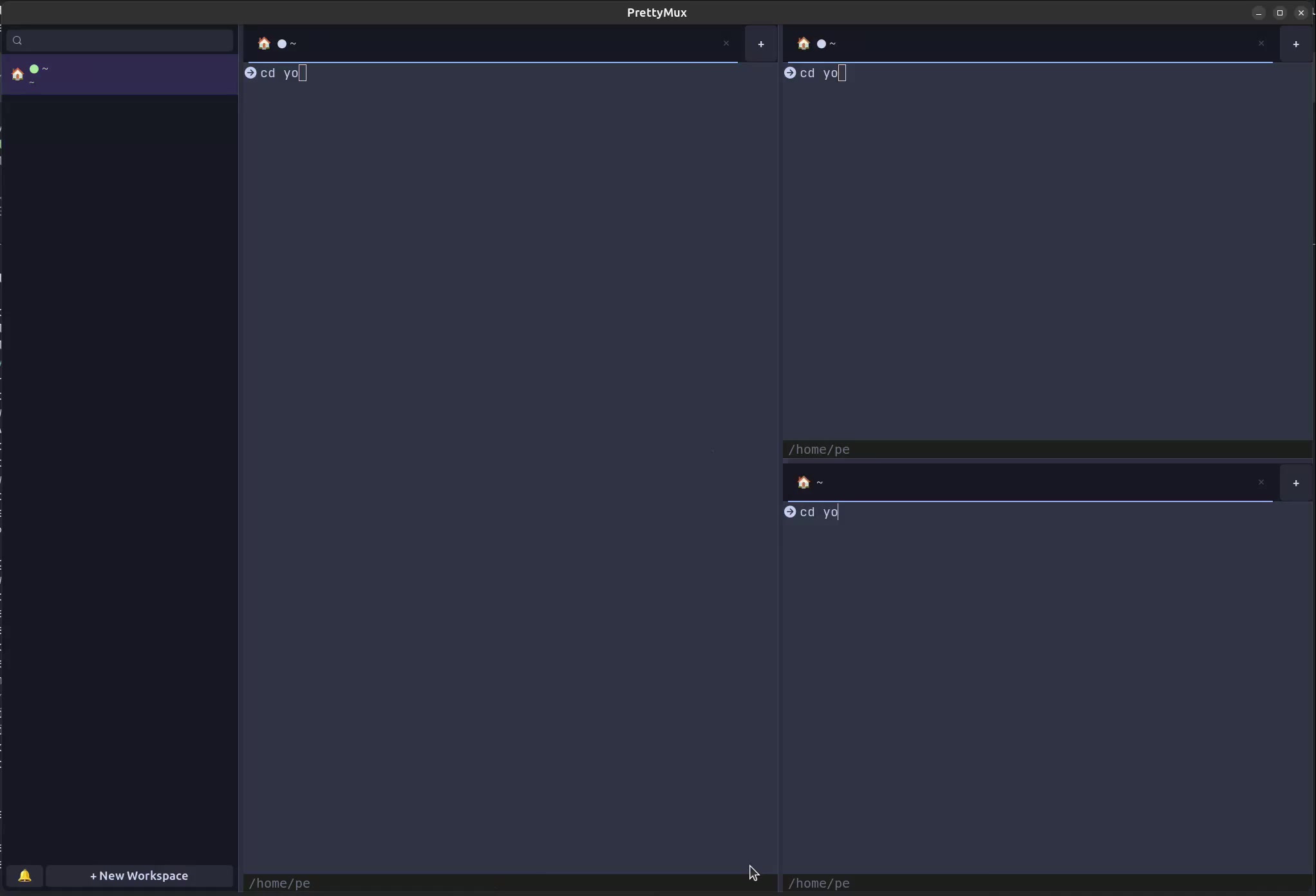
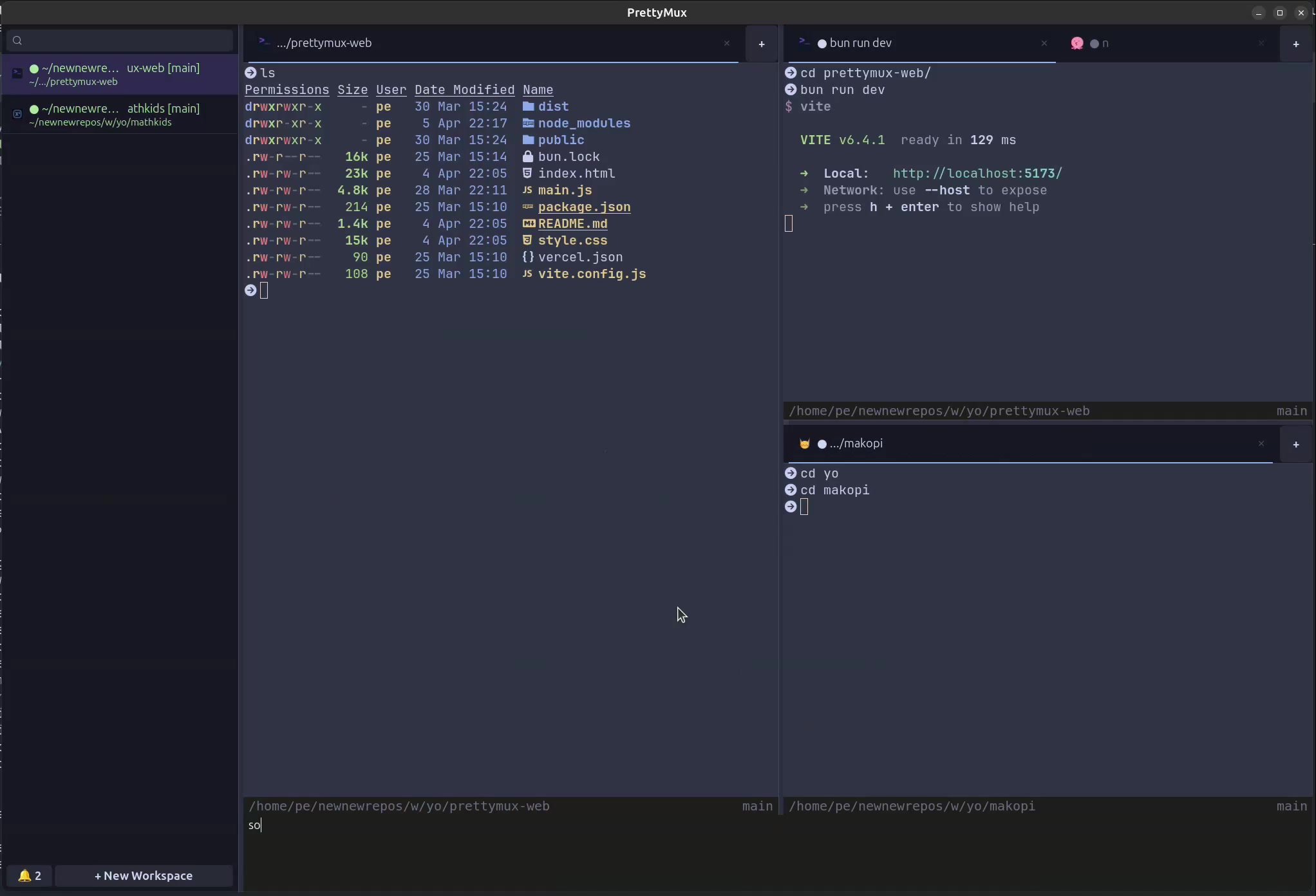
$ sudo apt-get install prettymuxSplit terminals, browser panes, and workspace tabs — all in one GPU-accelerated window.
A terminal multiplexer built for the age of AI agents. Power and beauty, together.
See all your AI coding agents at a glance. Track what Claude Code, Codex, and other agents are doing across panes and workspaces.
Run regular terminals alongside AI agents in the same window. Keep your manual work and automated agents organized side by side.
Powered by ghostty's OpenGL renderer. Buttery smooth scrolling and rendering at any scale.
Full web inspector, tabs, and address bar. Preview your work without switching windows.
Split any pane horizontally or vertically. Nest splits infinitely for your ideal layout.
Vertical sidebar with git branch, CWD, and notifications. Organize projects your way.
Auto-detects dev servers as they start. One-click open in the built-in browser pane.
Type once, input goes to all terminals simultaneously. Perfect for multi-server management.
Remembers everything on restart. Layouts, tabs, splits, agents, browser state — all restored.
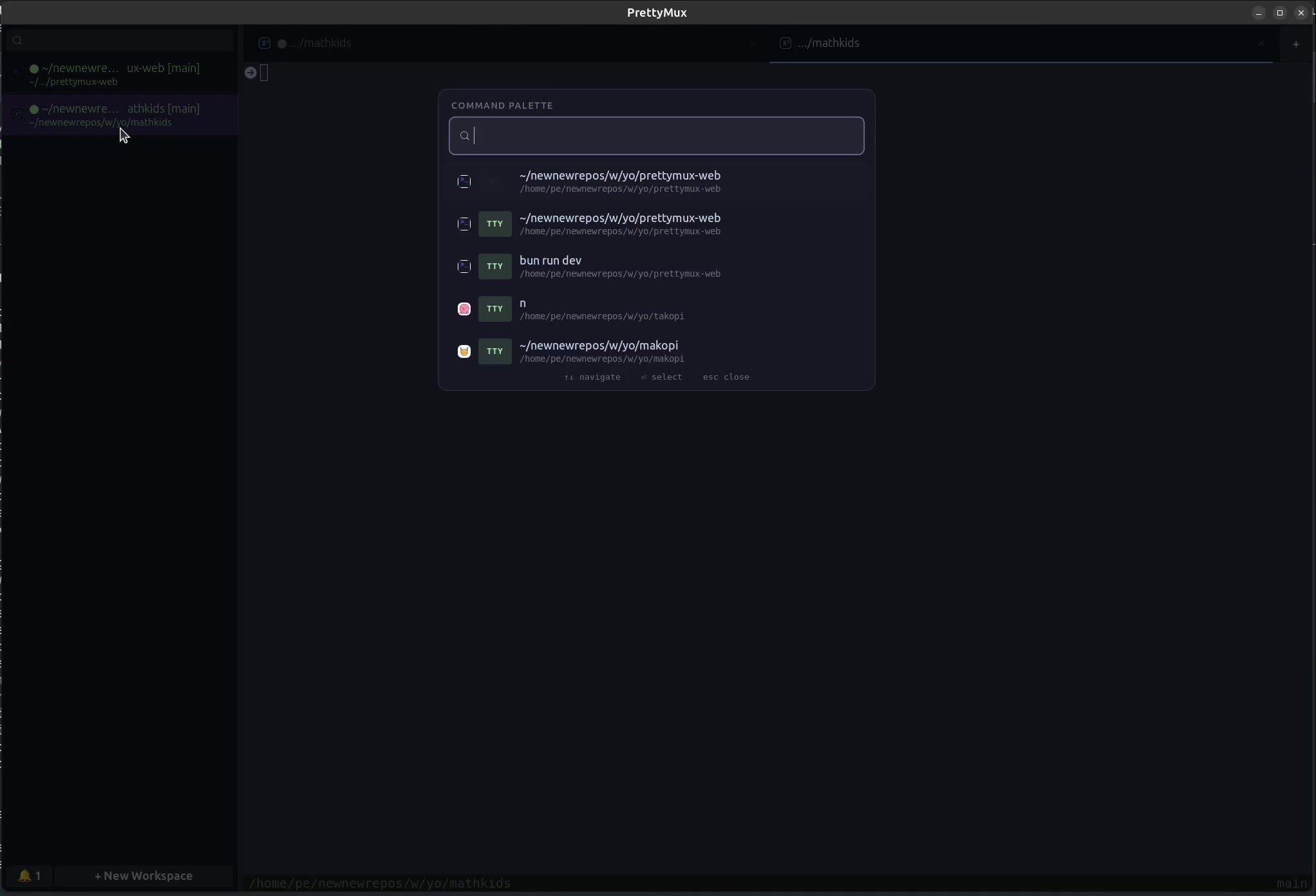
Search workspaces, tabs, agents, and browser with Ctrl+Shift+S. Find anything instantly.
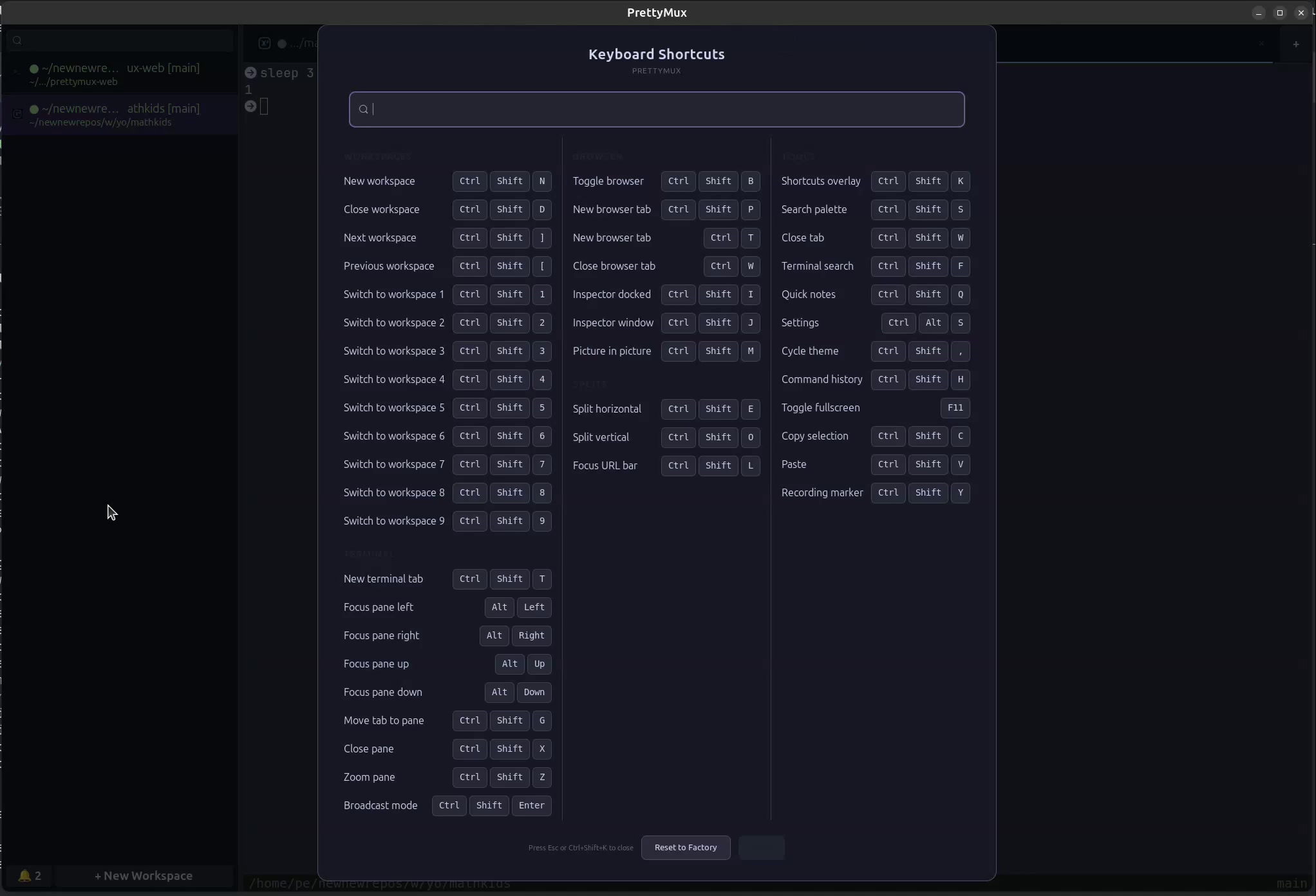
Fully configurable shortcuts. Edit inline from the settings panel — no config files needed.
Desktop notifications with workspace tracking. Never miss a build failure, test result, or agent completion.
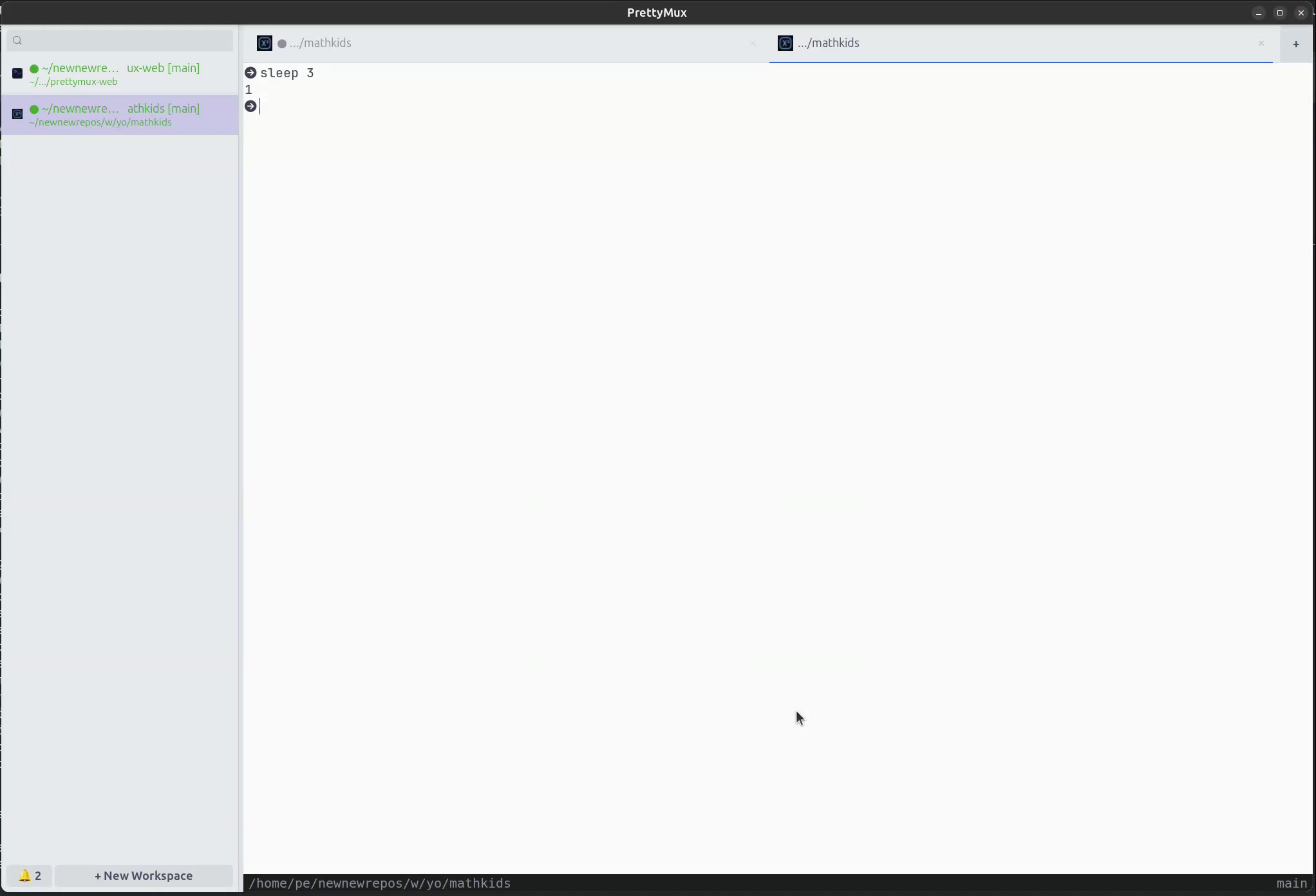
Dark, Light, and Monokai themes built in. Switch instantly from the command palette.
Built with GTK4 and WebKitGTK for deep Linux integration. Native Wayland and X11 support.
Each workspace tracks which panes are terminals and which are AI agents. Switch context without losing track of what's running where.
Every action at your fingertips. Fully customizable.
Native Linux application. Built with GTK4.
# Install from PPA (Ubuntu 24.04 Noble, amd64)
$ sudo add-apt-repository ppa:patcito/prettymux
$ sudo apt-get update
$ sudo apt-get install prettymux
# Install RPM (Fedora 42, x86_64)
$ sudo dnf install https://github.com/patcito/prettymux/releases/latest/download/prettymux.x86_64.rpm
# Install from AUR (x86_64)
$ yay -S prettymux
# Or with paru
$ paru -S prettymux
# Install from Snap Store (amd64)
$ sudo snap install prettymux
# Install via Flatpak (GNOME Platform 46)
$ flatpak install flathub dev.prettymux.app
$ flatpak run dev.prettymux.app
# Download AppImage (x86_64)
$ wget https://github.com/patcito/prettymux/releases/latest/download/PrettyMux-x86_64.AppImage
$ chmod +x PrettyMux-x86_64.AppImage
$ ./PrettyMux-x86_64.AppImage
# Build from source
$ git clone https://github.com/patcito/prettymux
$ cd prettymux
$ meson setup builddir
$ ninja -C builddir